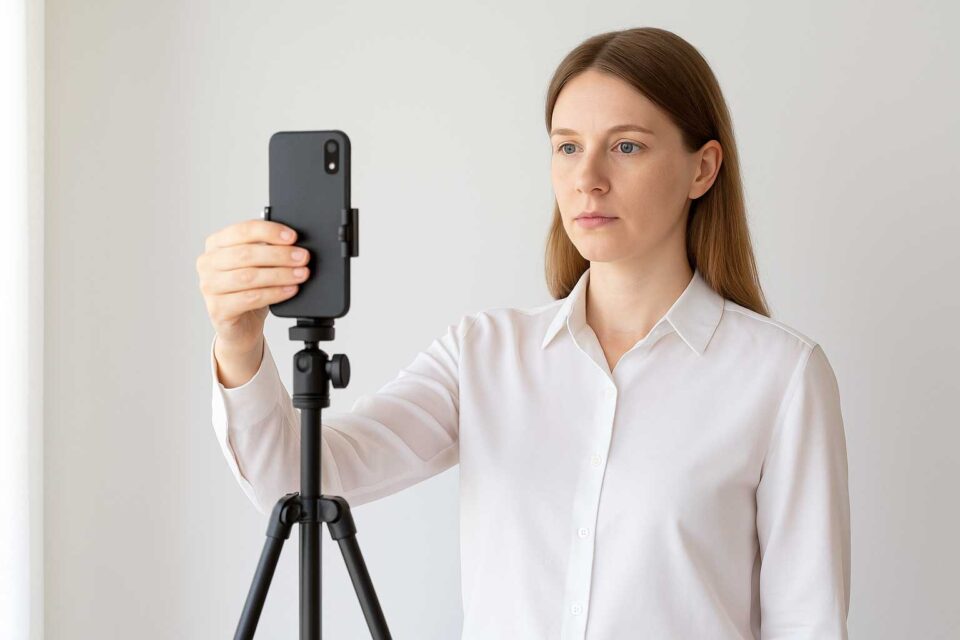
How to Take a Passport or Visa Photo Using Only Your Smartphone (No Editing Needed)

How to Take a Passport or Visa Photo Using Only Your Smartphone (No Editing Needed) In many cases, passport and visa photos get rejected not because of complicated technical flaws, but due to simple mistakes that could have been avoided from the start. While most people rely on editing tools to fix lighting or framing afterward, it’s often easier to capture the photo correctly straight away — using nothing more than your smartphone camera. ThisContinue readingHow to Take a Passport or Visa Photo Using Only Your Smartphone (No Editing Needed)

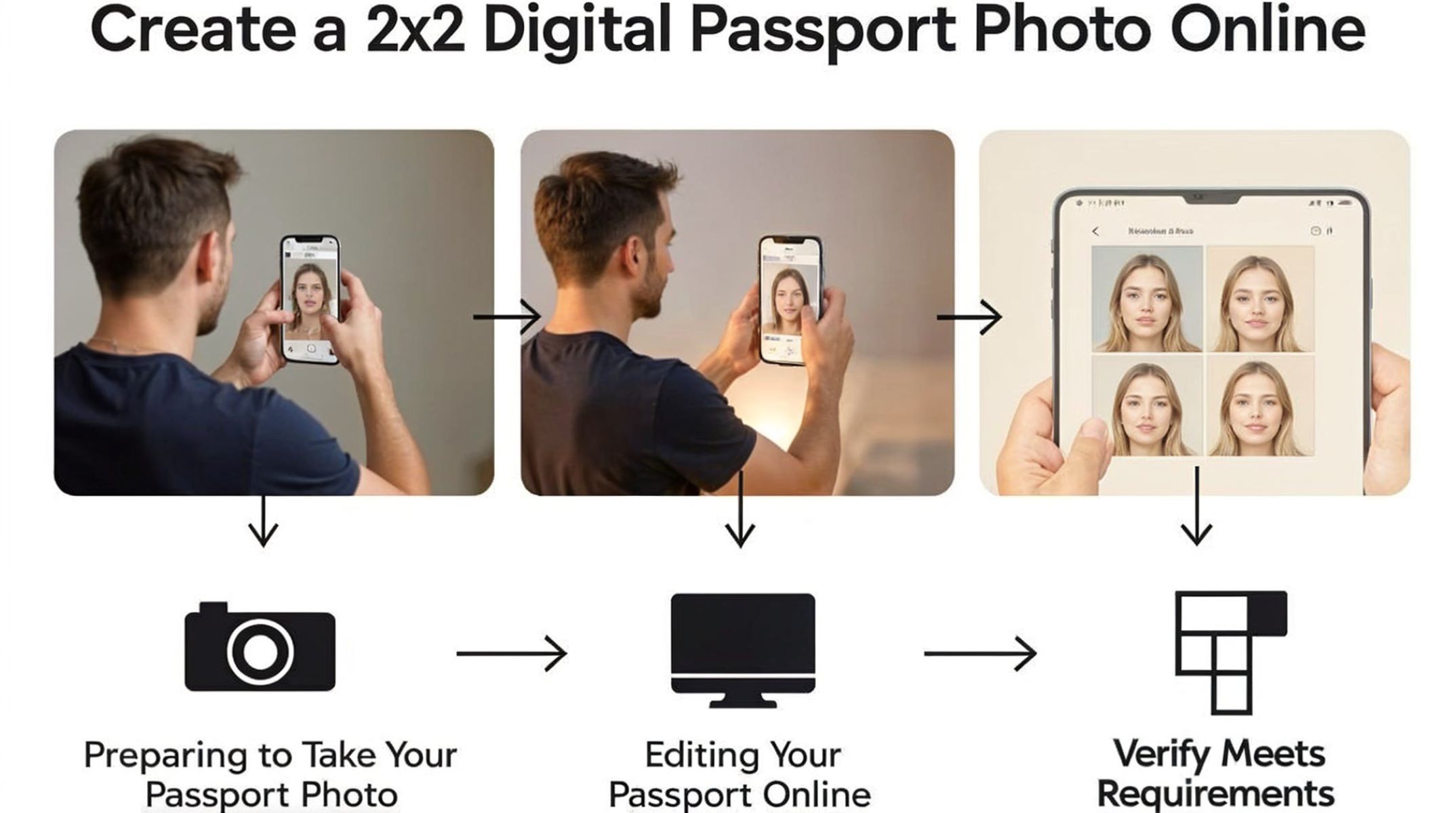
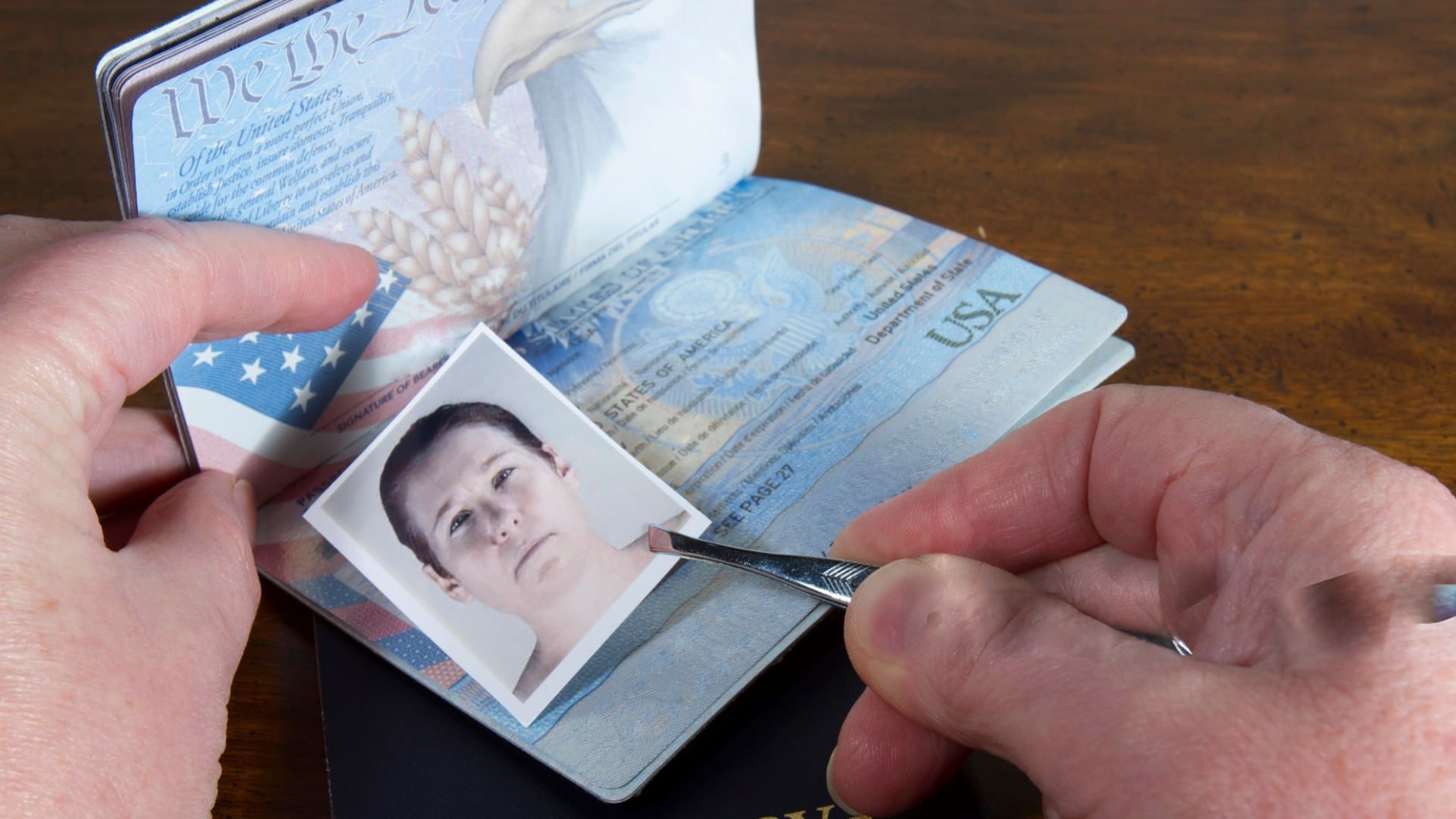
Step-by-Step: Create a 2×2 Digital Passport Photo Online

Ever wondered how to make a perfect 2×2 digital passport photo without leaving your home? The traditional way meant trips to photography studios or kiosks, but technology now makes it easy to do this all online—fast, simple, and cost-effective. In this guide, we’ll walk you through every step of creating a compliant us passport photo that meets official U.S. government standards, all from the comfort of your home. … Continue readingStep-by-Step: Create a 2×2 Digital Passport Photo Online

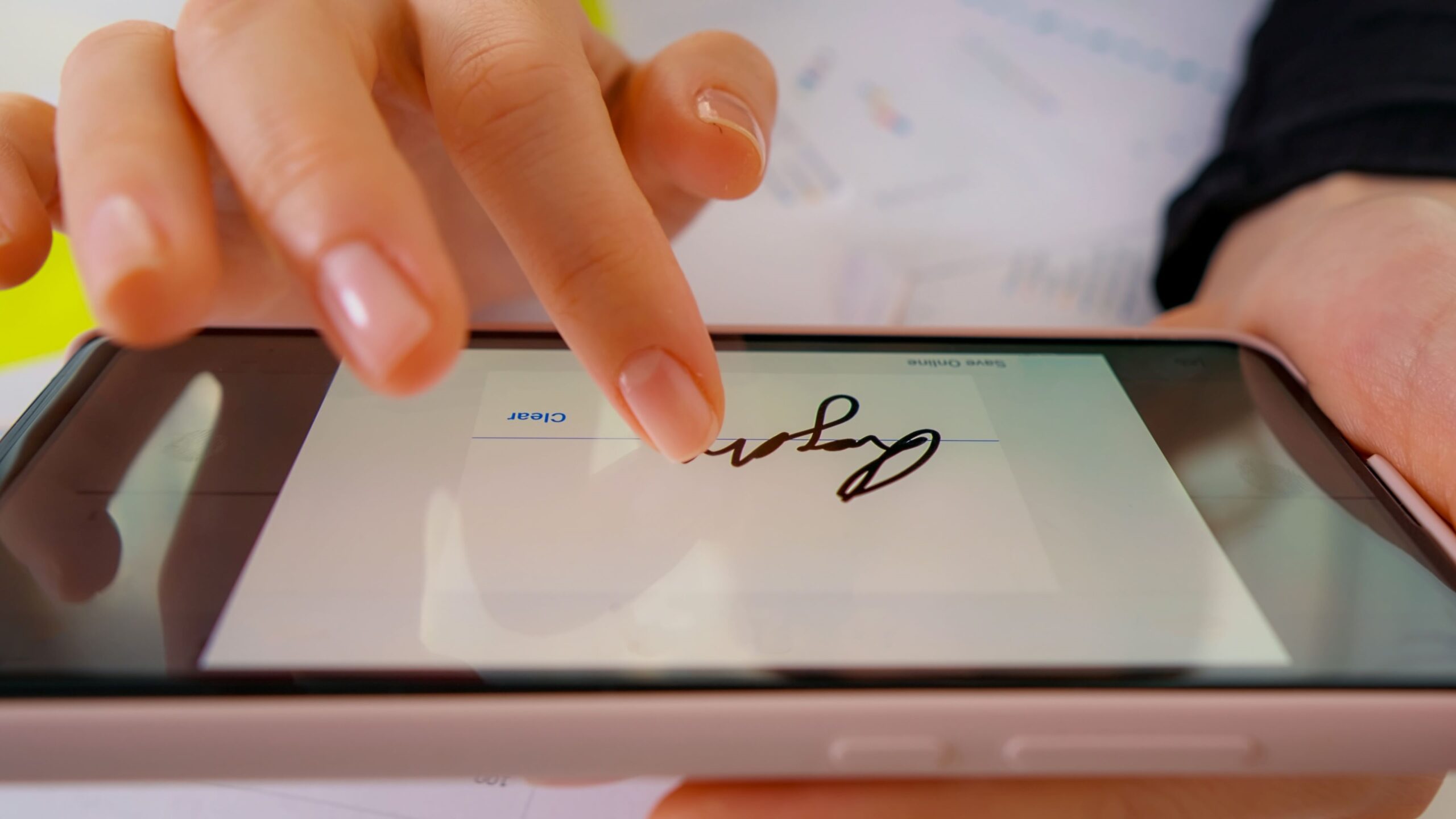
How to Take and Send Digital Signature + Photo

In today’s digital world, signing documents and verifying your identity online has never been more important — or more convenient. But how exactly do you take and send a digital signature along with a photo? Whether it’s for signing contracts, submitting official IDs, or verifying your identity, mastering this process is a must. This guide will walk you through everything step-by-step, making it super easy and secure. Digital Signatures and Photos A digital signature isContinue readingHow to Take and Send Digital Signature + Photo

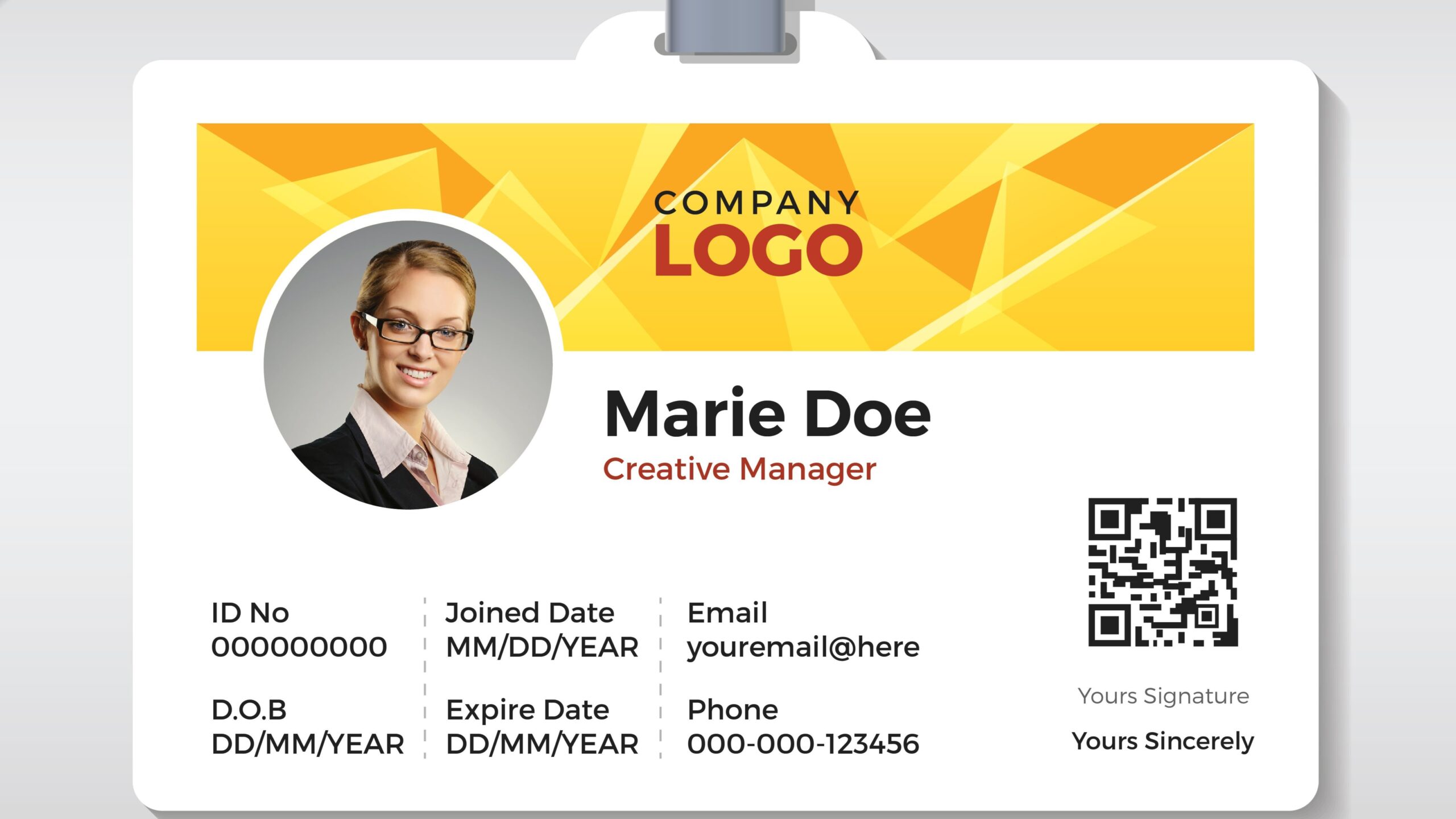
ID Photo Guidelines for Online Freelance Portals

Hey there! If you’re stepping into the world of online freelancing, one thing you’ll notice quickly is how important identity verification is. Freelance platforms like Upwork, Fiverr, and Freelancer.com require you to upload an ID photo to verify who you are. This process helps protect both freelancers and clients by reducing fraud and building trust. But not all ID photos are created equal! Getting it right can mean the difference between a quick approval andContinue readingID Photo Guidelines for Online Freelance Portals

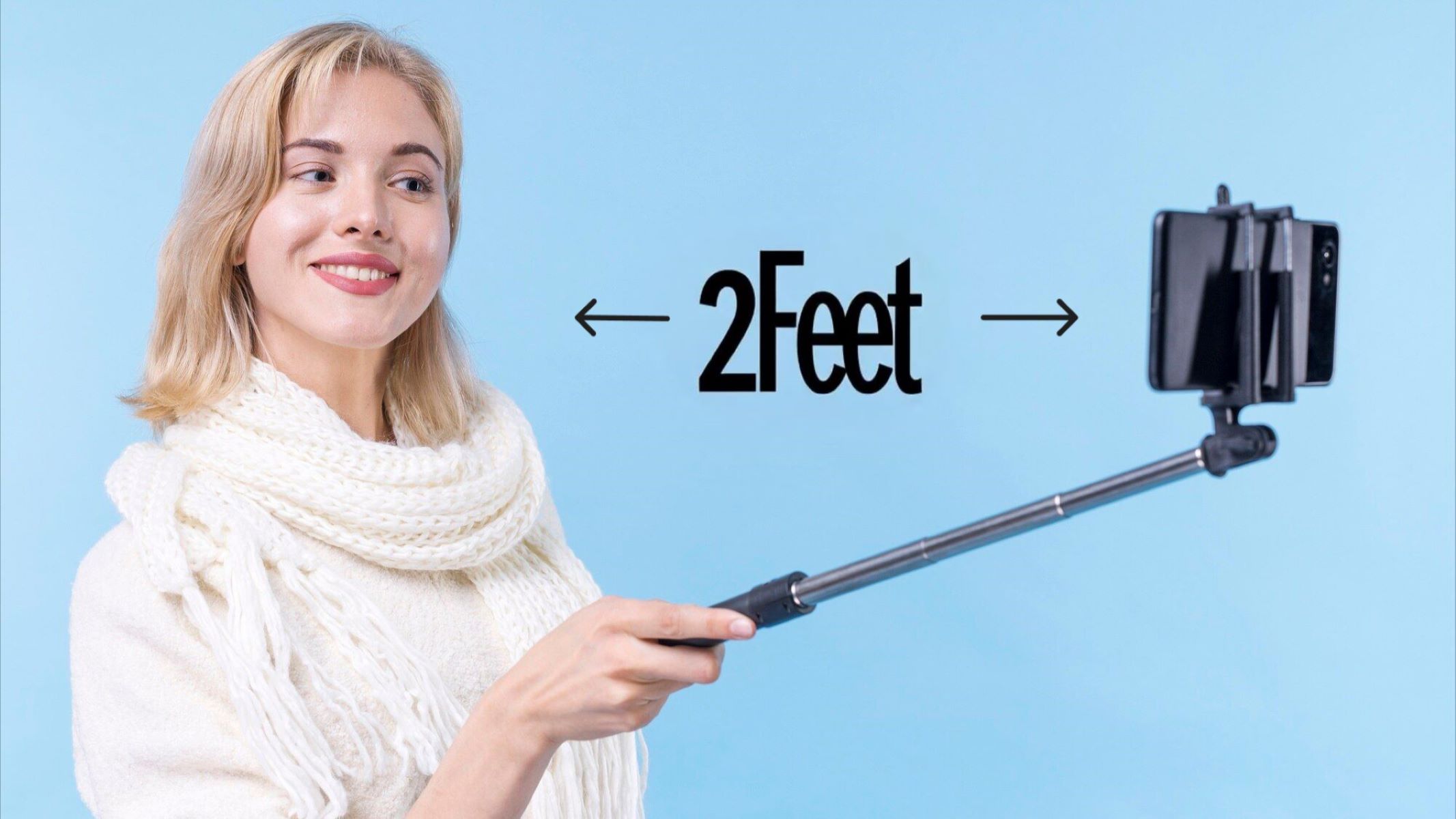
What’s the Ideal Distance Between Camera and Face?

If you’ve ever wondered why your selfies look a bit “off,” or why video calls sometimes make you look strange, you’re not alone. One of the most overlooked yet crucial factors for great photos and videos is the distance between your camera and your face. Getting this just right can dramatically improve your appearance on screen and make your videos and photos look professional—even if you’re just using a smartphone. Camera Distance Simply put, cameraContinue readingWhat’s the Ideal Distance Between Camera and Face?

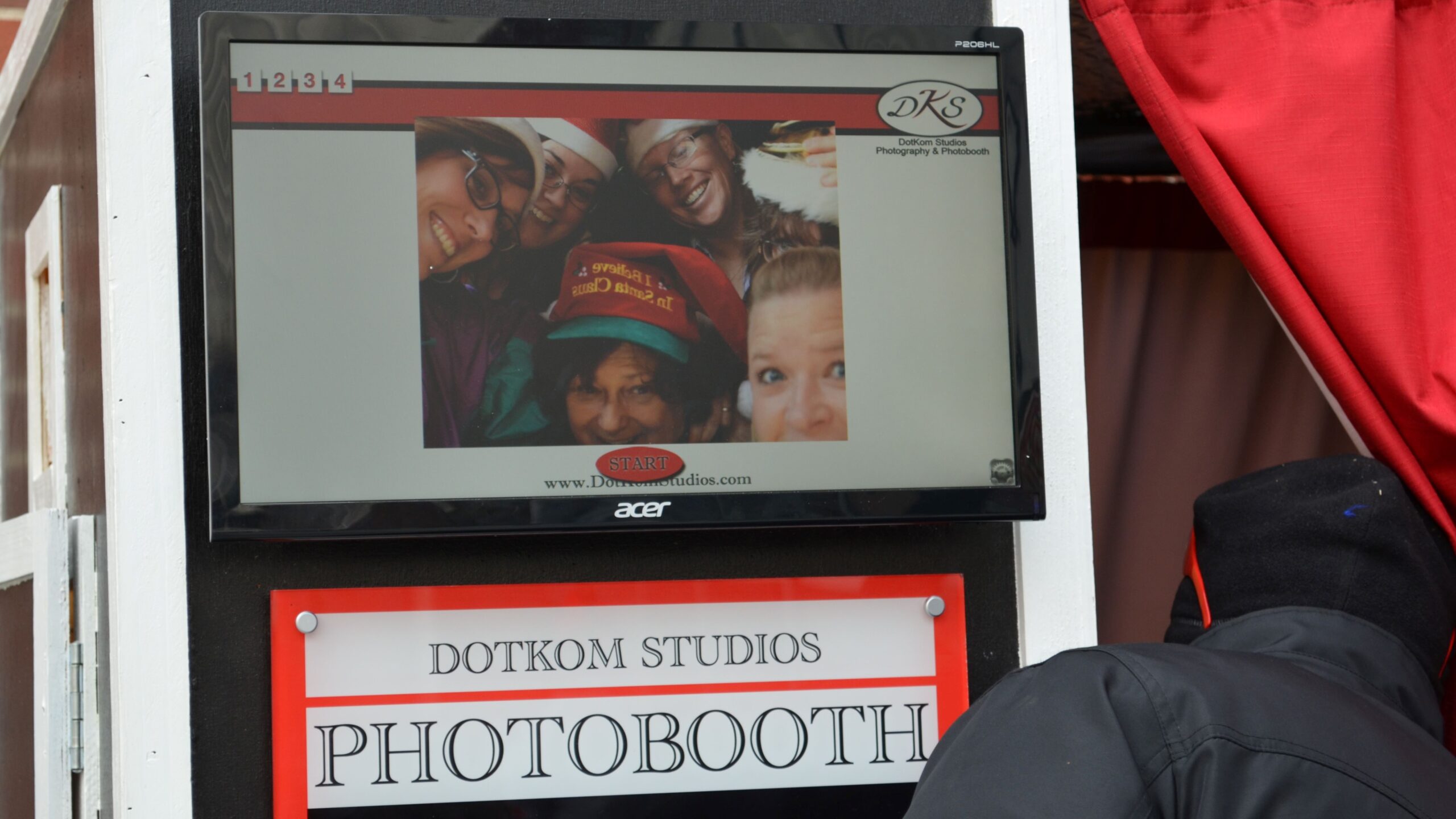
Why Most Embassies Reject Photos from Photo Booths

Have you ever tried to use a quick photo booth picture for your visa or passport application, only to have it rejected? You’re definitely not alone! While photo booths might seem like an easy and fast solution, most embassies are pretty strict when it comes to accepting these types of photos. Let’s dive into the reasons behind this and how you can avoid the hassle. Embassy Photo Requirements Standard Criteria for Embassy Photos Embassies, especiallyContinue readingWhy Most Embassies Reject Photos from Photo Booths

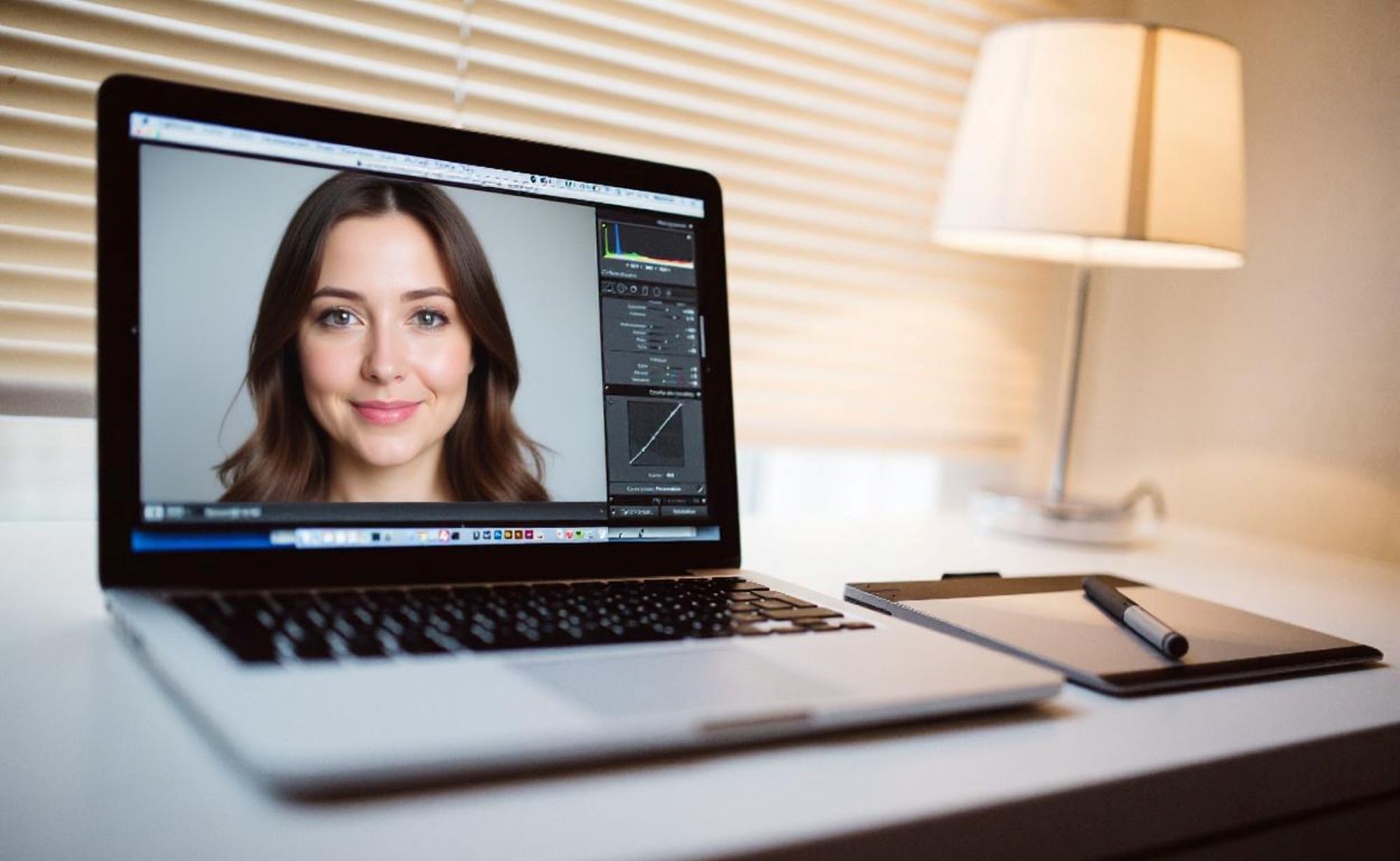
How to Use Google Photos to Edit ID Images

Editing ID images can be tricky — you want them to look professional, clear, and meet official requirements, but without overdoing it. Luckily, Google Photos offers a simple yet powerful set of editing tools right at your fingertips, whether on your phone or desktop. Let’s dive into how you can use Google Photos to make your ID pictures look their absolute best. Preparing Your ID Images for Editing Before you dive into editing your IDContinue readingHow to Use Google Photos to Edit ID Images